The PHP and Database tabs
The PHP tab
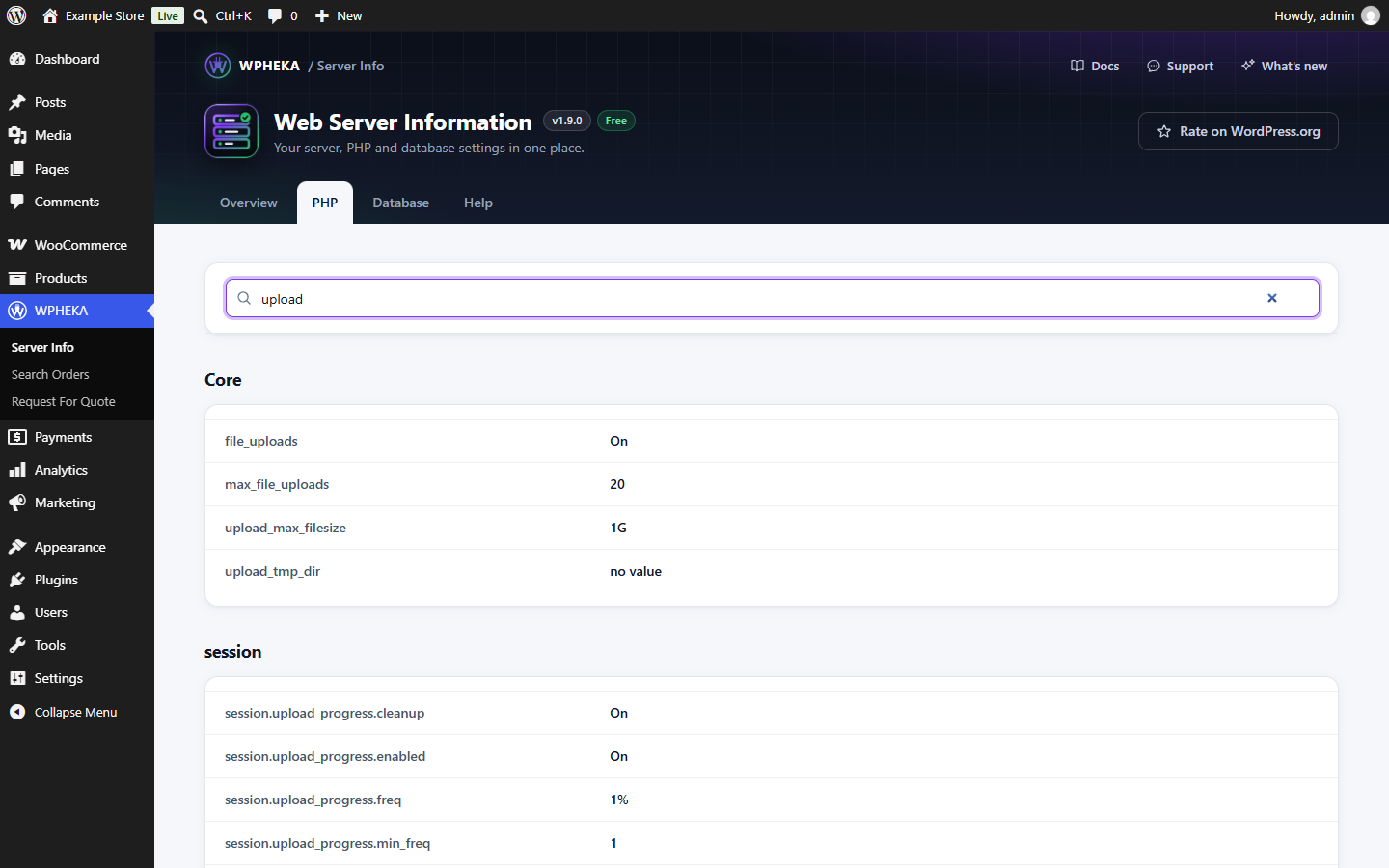
Go to WPHEKA > Server Info > PHP. It lists every PHP setting and module, grouped by module (for example Core, curl or mysqli), the same values PHP's own phpinfo() reports.
Type in Search PHP settings and extensions to find a setting, for example upload or memory. Only matching rows stay. If nothing matches, the page says so; clear the search to see everything again.
Safe to share
The PHP tab leaves out:
- PHP's Environment and PHP Variables sections;
- Apache's request headers;
- your cookies, including the login cookie.
Those can hold passwords or a login cookie. Without them, a screenshot or copy of the tab is safe to post in a support forum.
The Database tab
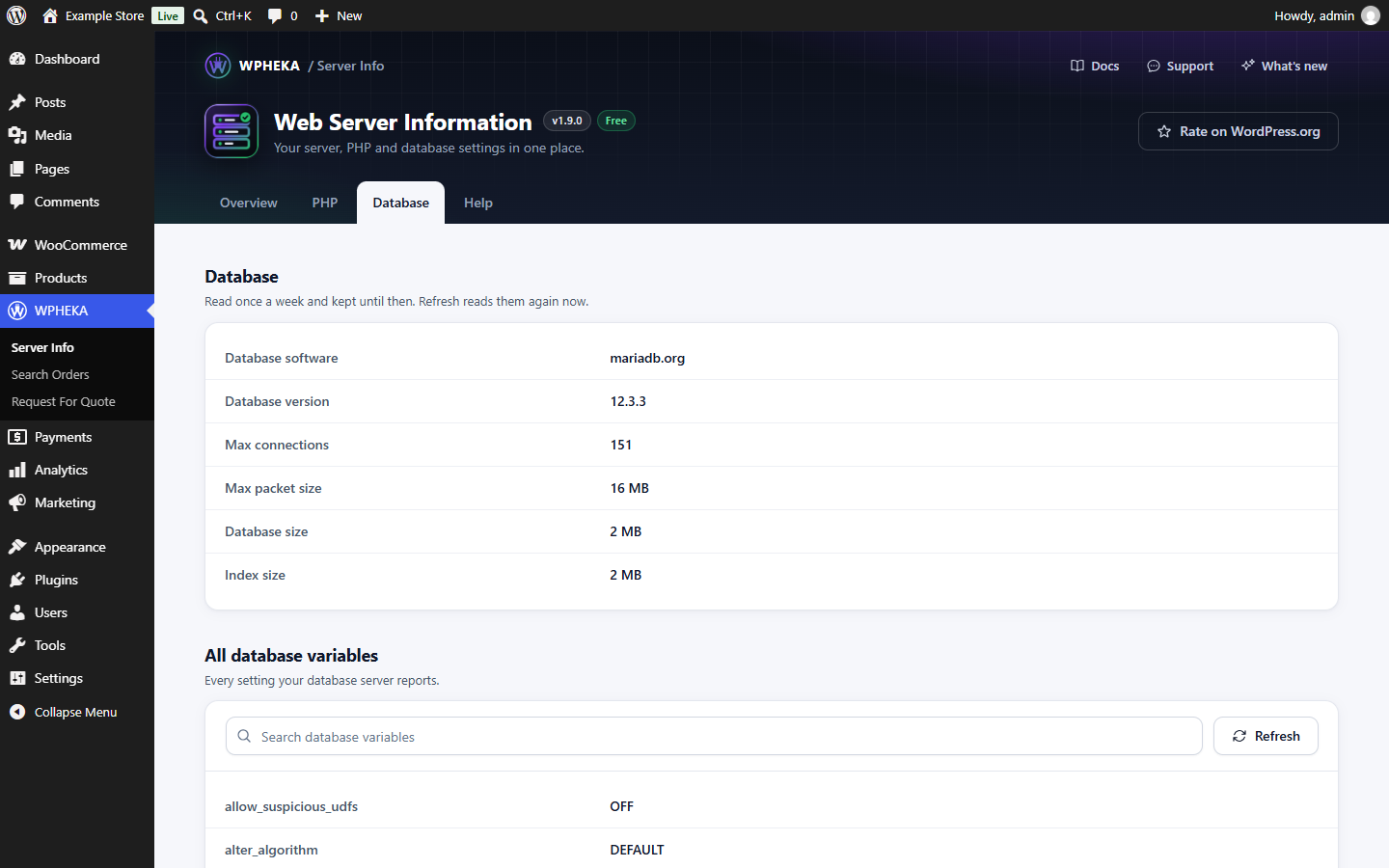
Go to WPHEKA > Server Info > Database.
Database
| Row | What it shows |
|---|---|
| Database software | For example MySQL or MariaDB |
| Database version | For example 8.0.40 |
| Max connections | How many connections the database server allows at once |
| Max packet size | The largest single query or row the server accepts |
| Database size | The size of your site's data |
| Index size | The size of its indexes |
All database variables
Every setting your database server reports, by name. Type in Search database variables to find one, for example timeout or innodb.
If the list can't be read, the tab says "Could not read the database variables." Your database user may not be allowed to read them; ask your host.
Refresh
Server and database details are read once a week and kept until then. Click Refresh to read them again now, for example after your host changed a setting. The tab confirms with "Server and database details were read again."