SKU at order time
WooCommerce doesn't save a product's SKU on the order. If you rename a SKU, searching by the old one finds nothing. Pro keeps the SKU each order line had when the order was placed, so the SKU starts with rule and the free plugin's SKU filter still find those orders.
This works on its own for every new order once Pro is active.
Older orders
Orders placed before Pro was installed have no saved SKU. To give them one:
- Go to WPHEKA > Search Orders.
- Under SKU at order time, click Save SKUs on older orders.
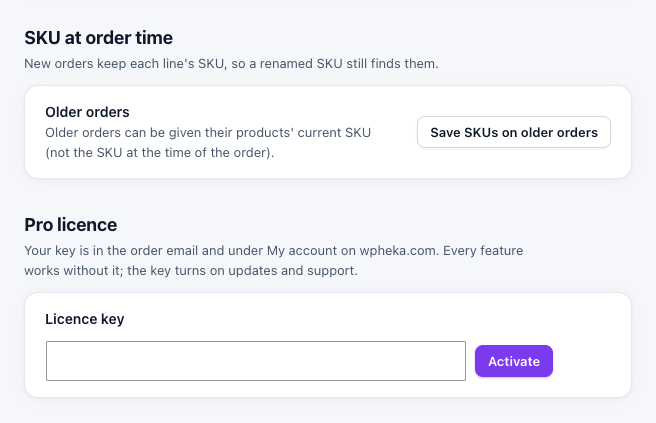
Older orders get their products' current SKU, because the SKU they had at the time is not known. The work runs in the background and you can leave the page.
The saved SKU is hidden line meta. It is not shown on the order screen and it stays when you delete the plugin because it is part of your order history.