Saved views
A saved view keeps a set of filters under a name. It appears as a tab above the orders list, so the searches you run every week are one click away.
Save a view
- Filter the orders list the way you want it.
- Click Save as view at the bottom right of the panel.
- Type a Name.
- Tick Share with the team to show the view to the other shop managers. Sharing needs the Manage WooCommerce permission.
- Click Save.
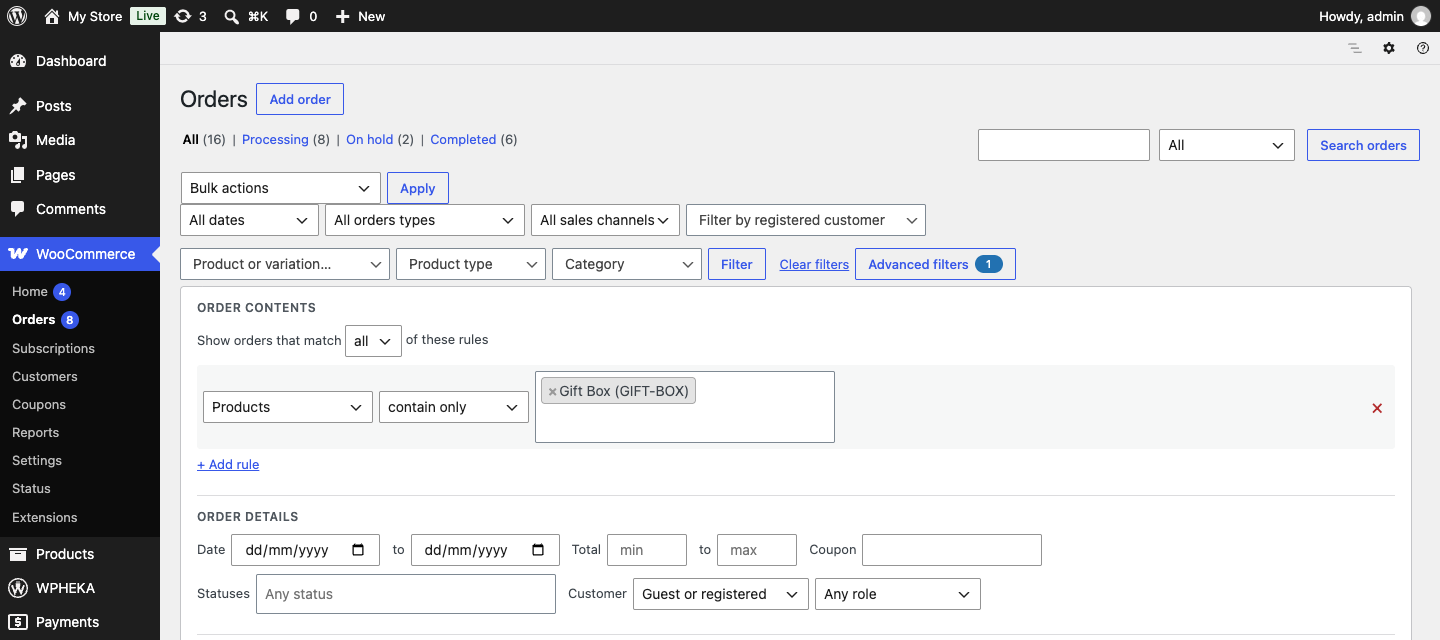
The view appears as a tab above the list. Shared views are marked (shared). Click a tab to apply its filters again.
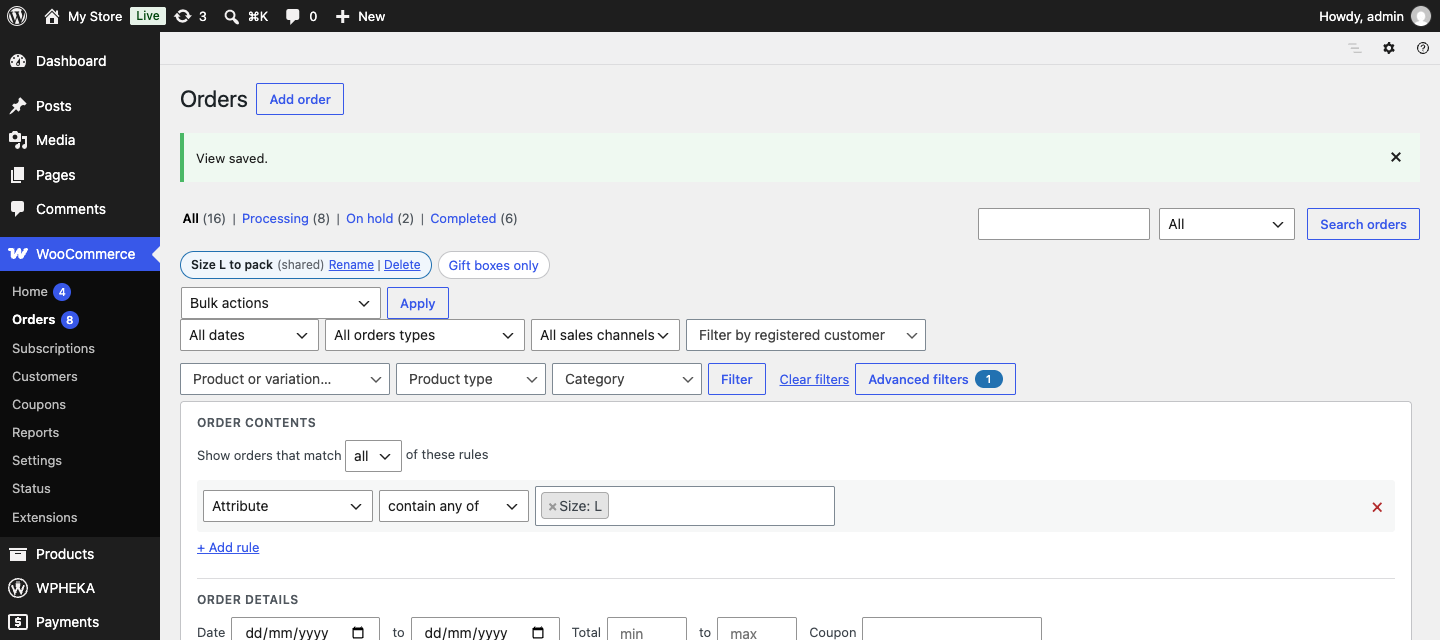
Rename or delete a view
Open the view, then click Rename or Delete next to its name. Deleting a view never changes any orders.
Limits
You can keep up to 30 personal views and the team up to 30 shared views.