The Overview page
Go to WPHEKA > Backorder Split. Administrators and shop managers can open it. The page only shows information; there is nothing to set up.
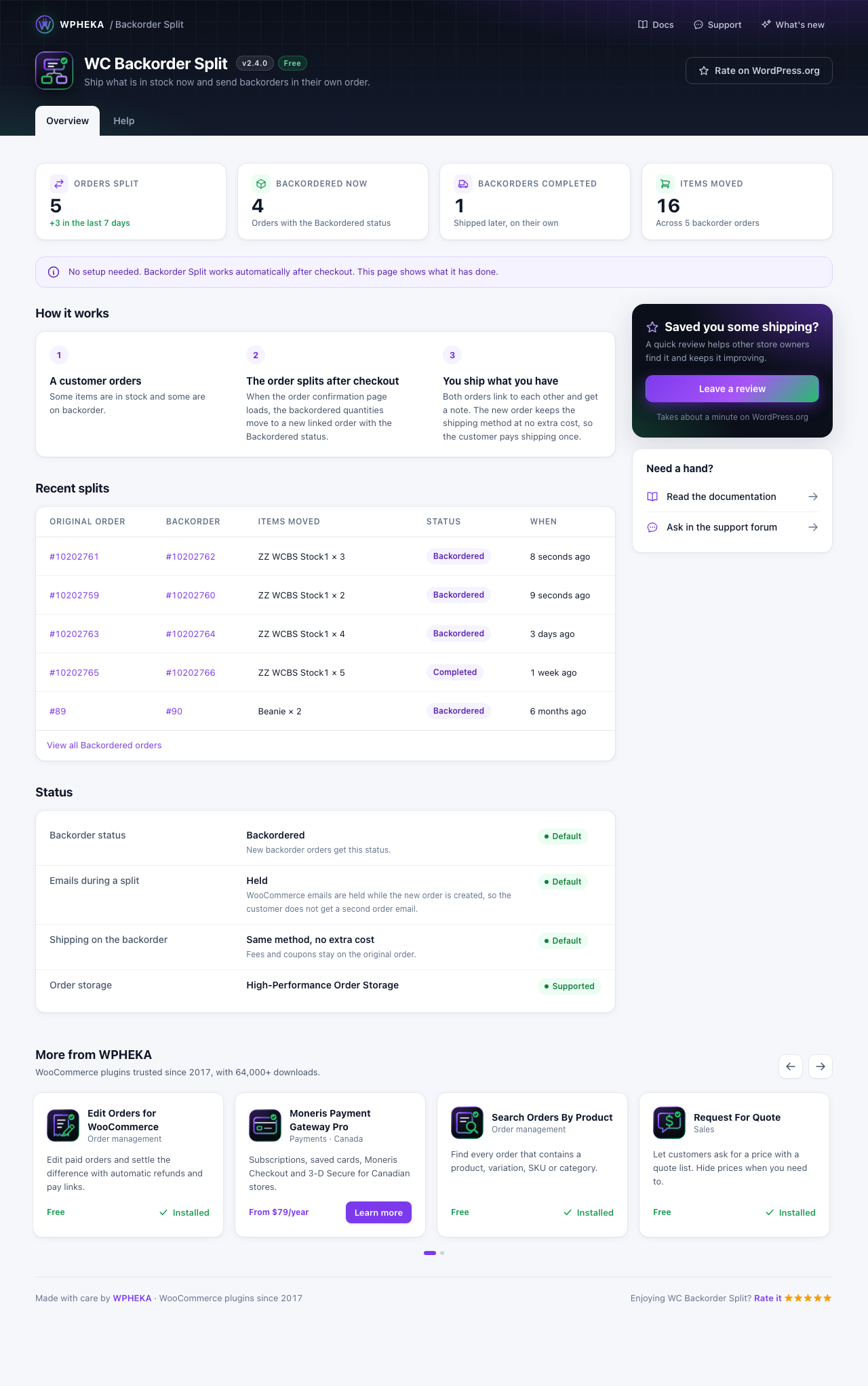
The numbers
| Card | What it counts |
|---|---|
| Orders split | Backorder orders the plugin has created that still exist, with how many came in the last 7 days |
| Backordered now | Orders with the Backordered status, including ones you set by hand |
| Backorders completed | Backorder orders now marked Completed |
| Items moved | The total quantity moved to backorder orders |
The counts refresh within an hour, and straight away after a new split.
Recent splits
The five newest splits: the original order, the backorder order, the items moved, the status and when it happened. View all Backordered orders opens the filtered orders list.
Status
What the plugin is doing on your store:
- Backorder status: the status new backorder orders get.
- Emails during a split: held, so customers don't get a second email.
- Shipping on the backorder: the same method at no extra cost.
- Order storage: which WooCommerce order storage your store uses.
A row shows Changed by custom code when a developer has changed that behaviour with a hook.
Help tab
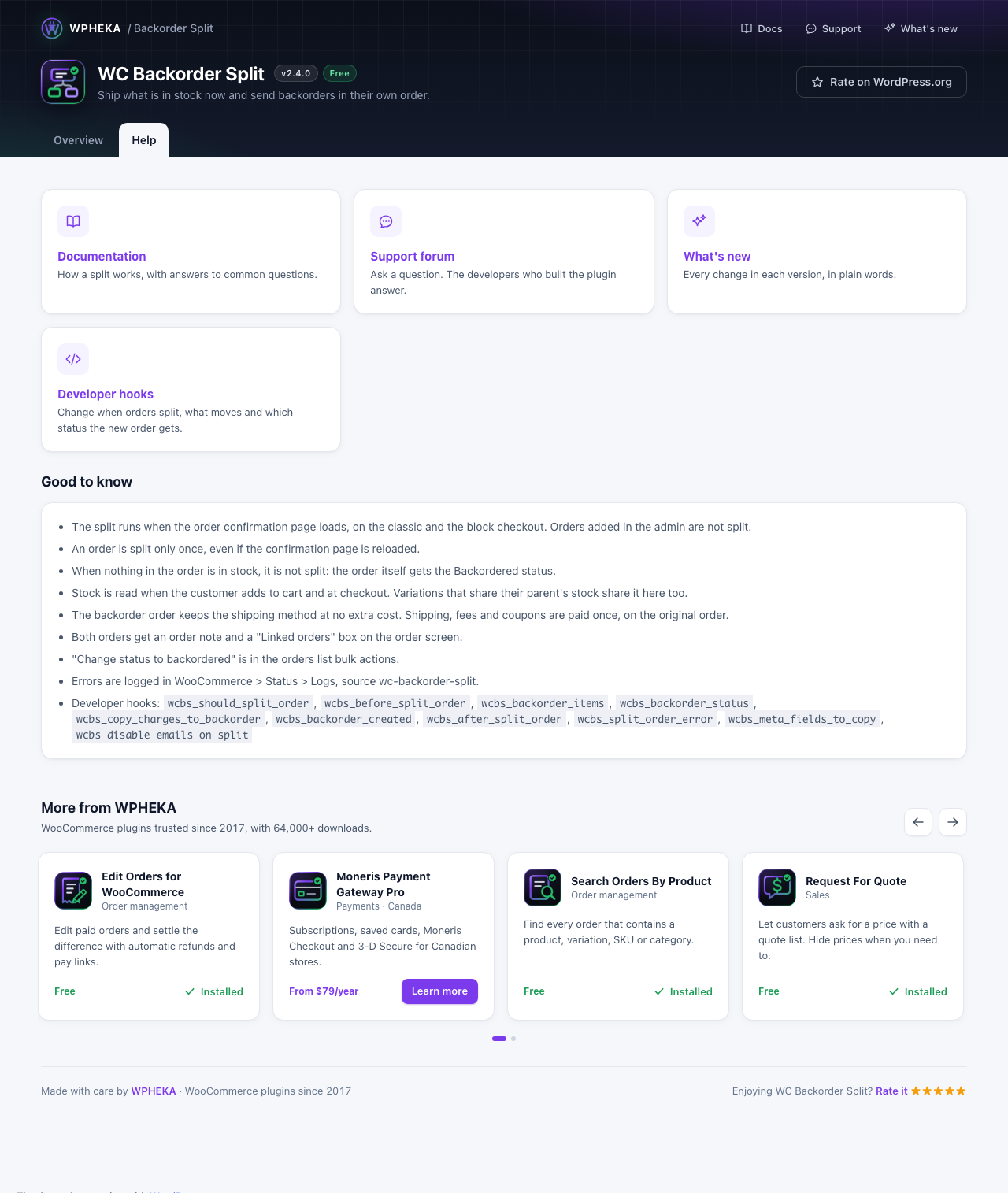
Links to these docs, the support forum, the changelog and the developer hooks, plus a short "Good to know" list.